Wallet passes for party rental customersA card they keep. You update it later.
Customers will save your company's pass in the wallet on their phone. Each pass is personalized with your logo. No new app. You'll be able to update the card they keep.
The connection has started. The screens below are examples.
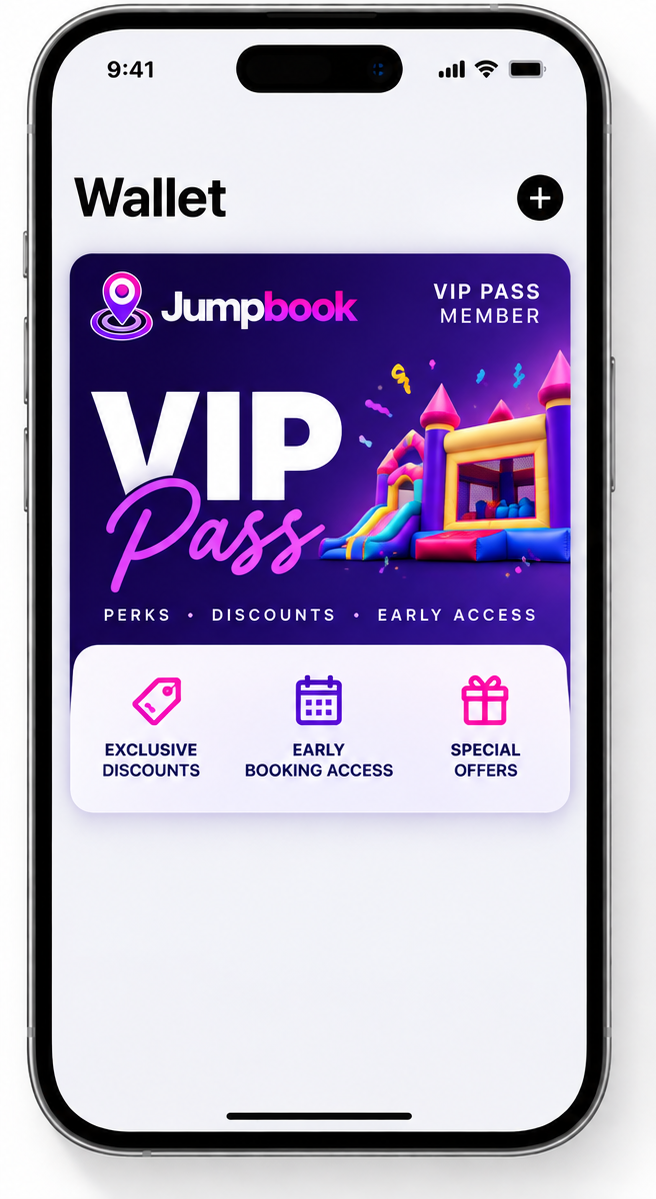
Their next rental, on the card
The pass will be able to show the item, the date, the time, and where you set up. They open the wallet they already have.
- Your logo on the card. Each pass is personalized with your company logo
- Apple Wallet or Google Wallet. No new app to download
An offer you can change
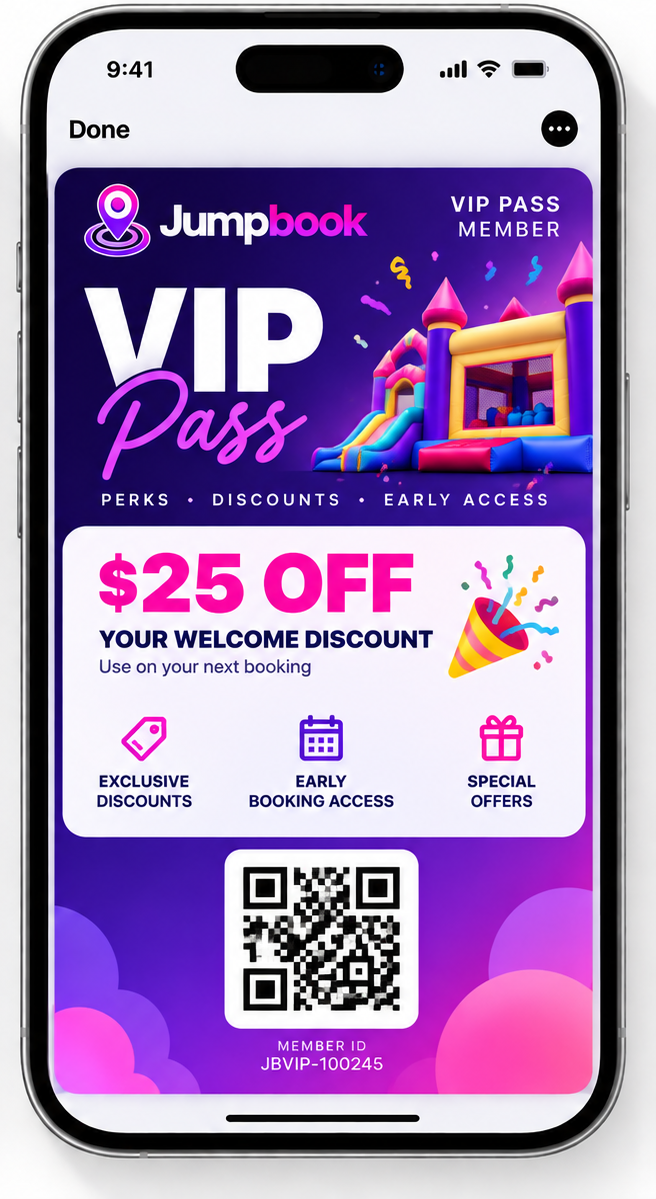
You'll be able to put a coupon on the same card. When the offer ends, the card can be changed. They don't hunt through old texts.
- A coupon. Like $25 off a weekday rental
- An end date. The card can stop showing the offer when it's over
A short note on the lock screen
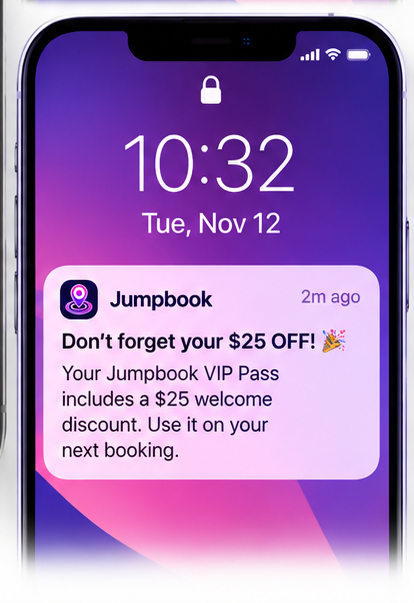
You'll be able to send a short update. It can show on the lock screen, on the pass they saved.
- Only people who saved it. It does not go to your whole customer list
- A reminder they can use. Like a note that their pass includes $25 off the next booking
Your account team connects it
Your account team links the pass for your company. It uses the pass set up for you. Updates can be turned off.
- Your pass. Personalized with your company logo
- Updates can stop. New updates stop when it's turned off. It can be disconnected too
Questions about wallet pass
Do customers need another app?
No. The pass will live in the wallet already on their phone, in Apple Wallet or Google Wallet.
Is the wallet pass ready now?
The connection has started. Your account team connects it for your company. The cards on this page are examples of what it will be able to show.
What will the card be able to show?
Examples: their next rental, a coupon you set, and a short note on the lock screen.
Can I send it to everyone?
A note goes to people who saved the pass. It is not a message to your whole customer list.
Will customers see Jumpbook on the card?
No. The pass is personalized with your company logo.